
Version 0.4.0 · Android
Leya Baby Monitor Get things done while your child sleeps.
Turn an old Android phone into a home baby monitor. See and hear your child from another room, get an alert for sustained loud sound, and keep using the parent phone.
Works directly over your home Wi-Fi, with no account, ads, or cloud video relay.
No accountNo adsNo trial period

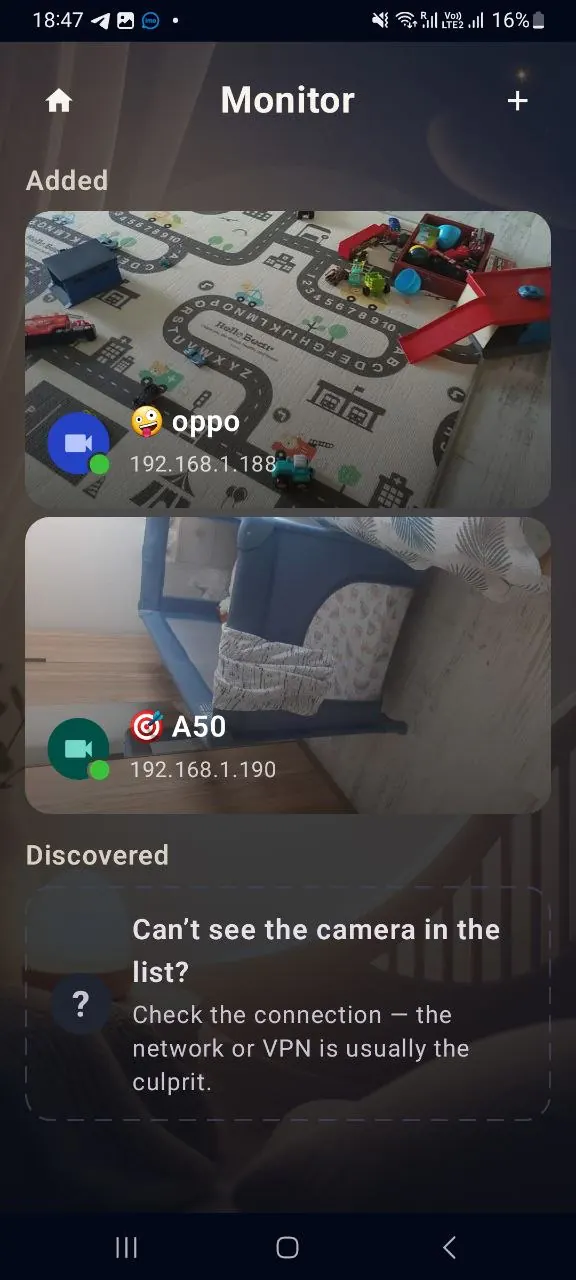
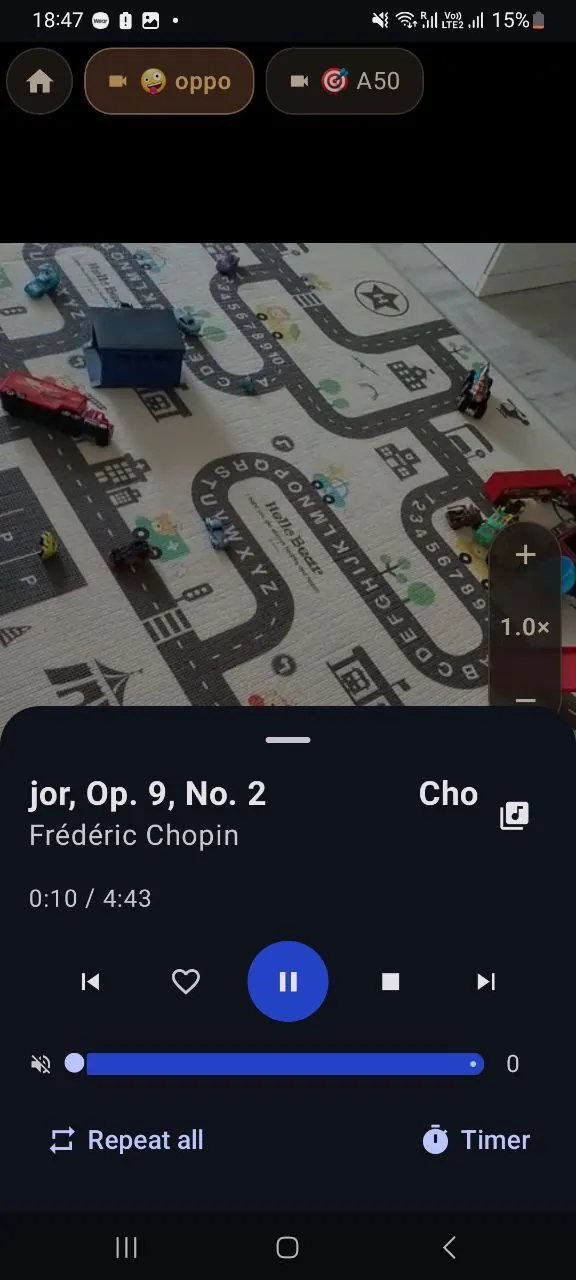
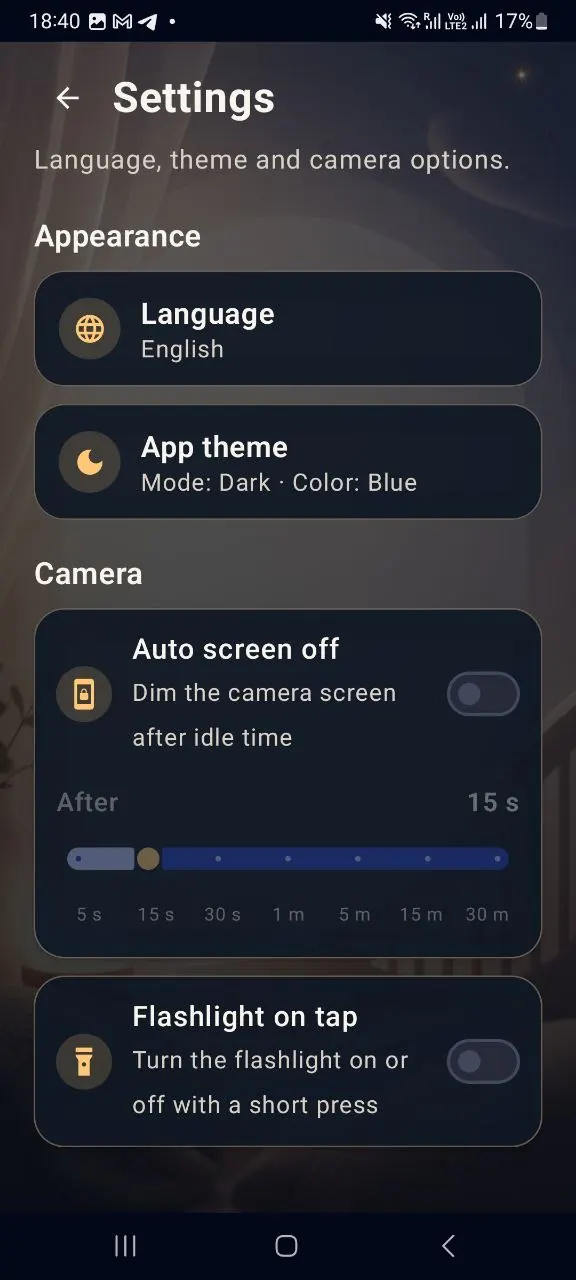
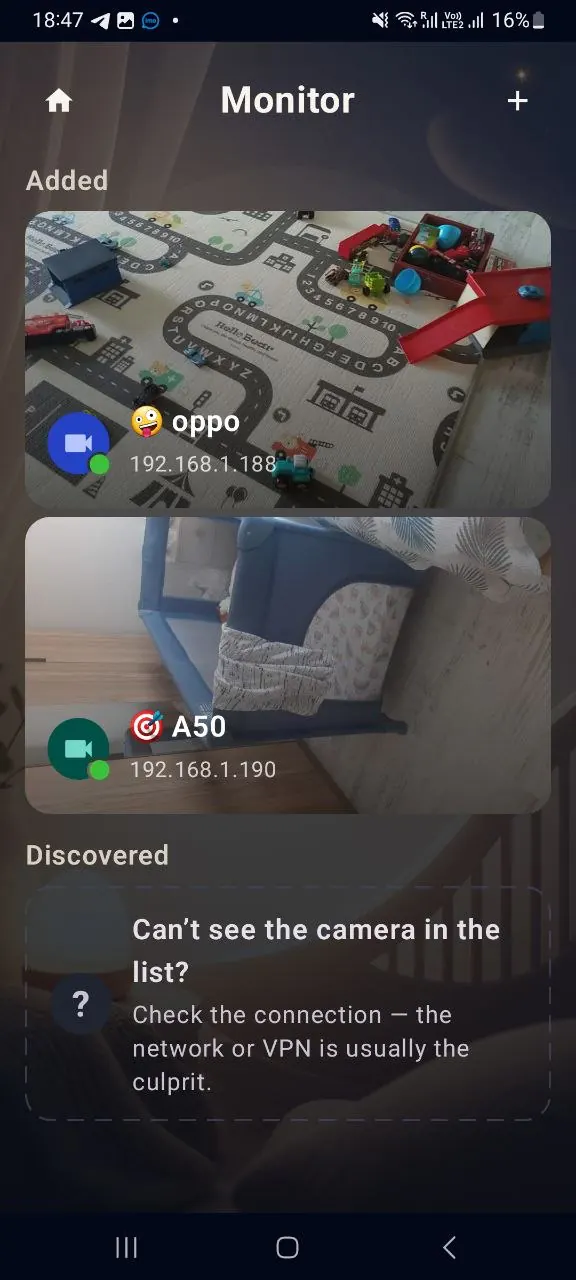
Real screens from version 0.4.0
While your child sleeps
You get things done in another room.
Open the live monitor on a phone, tablet, or computer. On Android, you can keep the video in a small window over other apps.
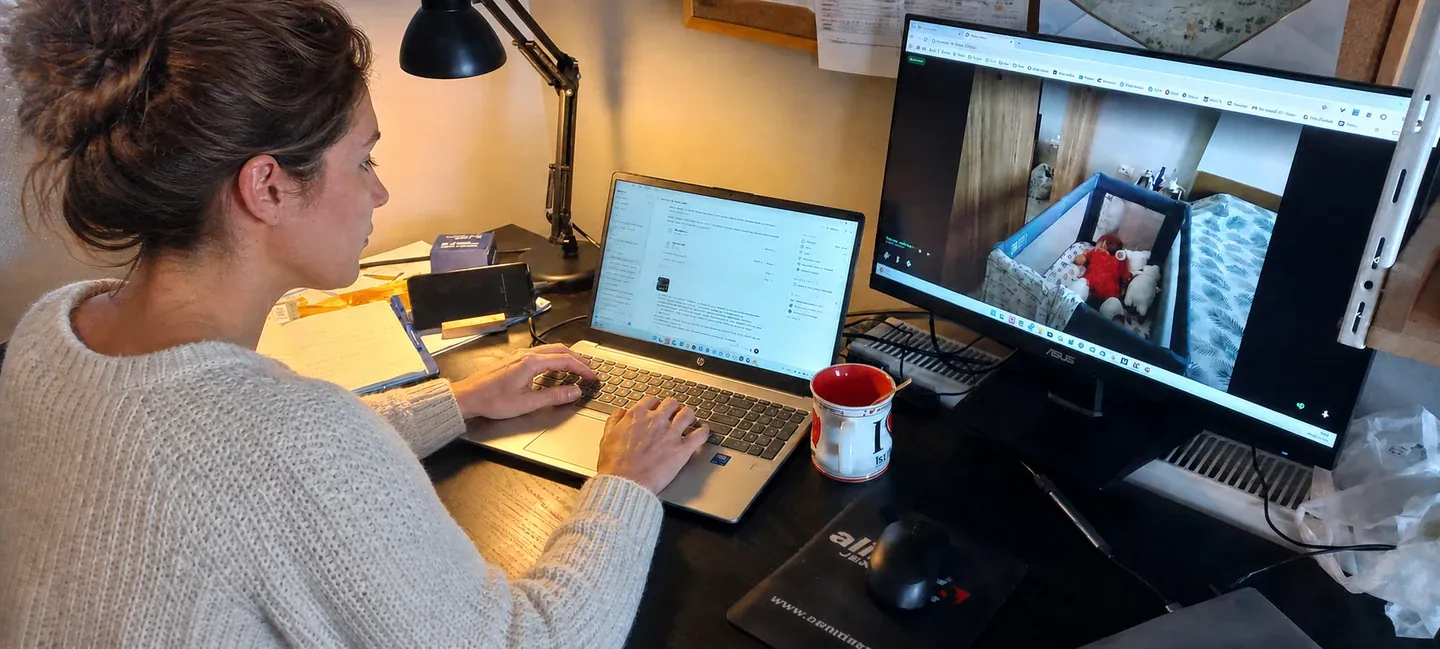
Three steps
An old phone becomes the camera.
No base station, separate monitor, or mandatory registration.
Set up the camera
Install Leya on an Android smartphone in the nursery and connect it to power.
Connect the devices
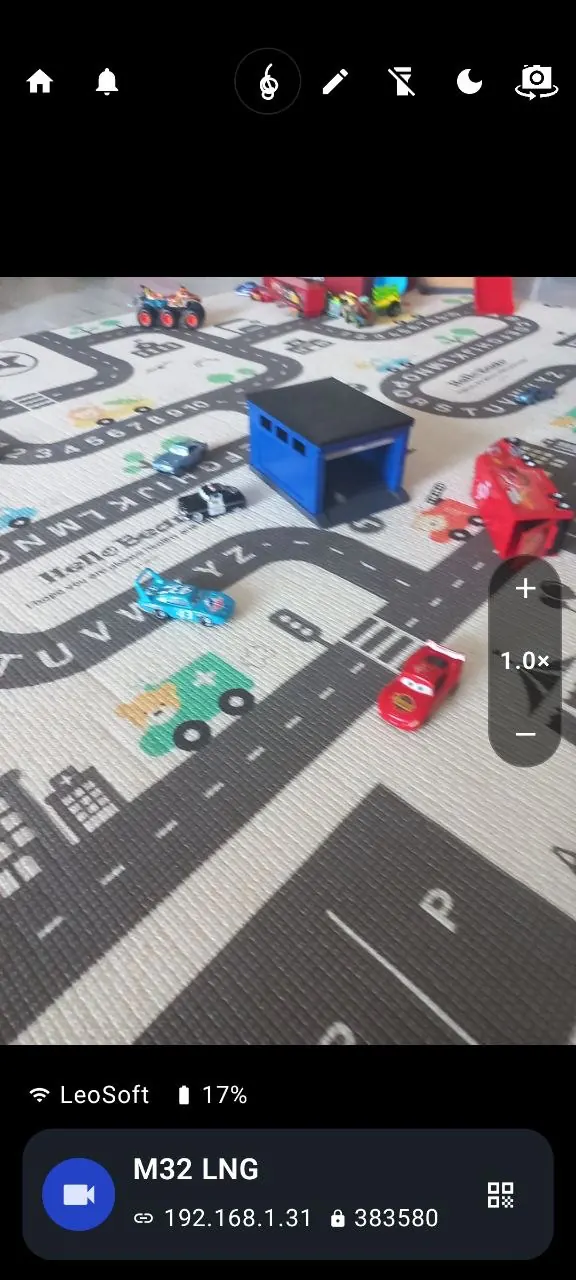
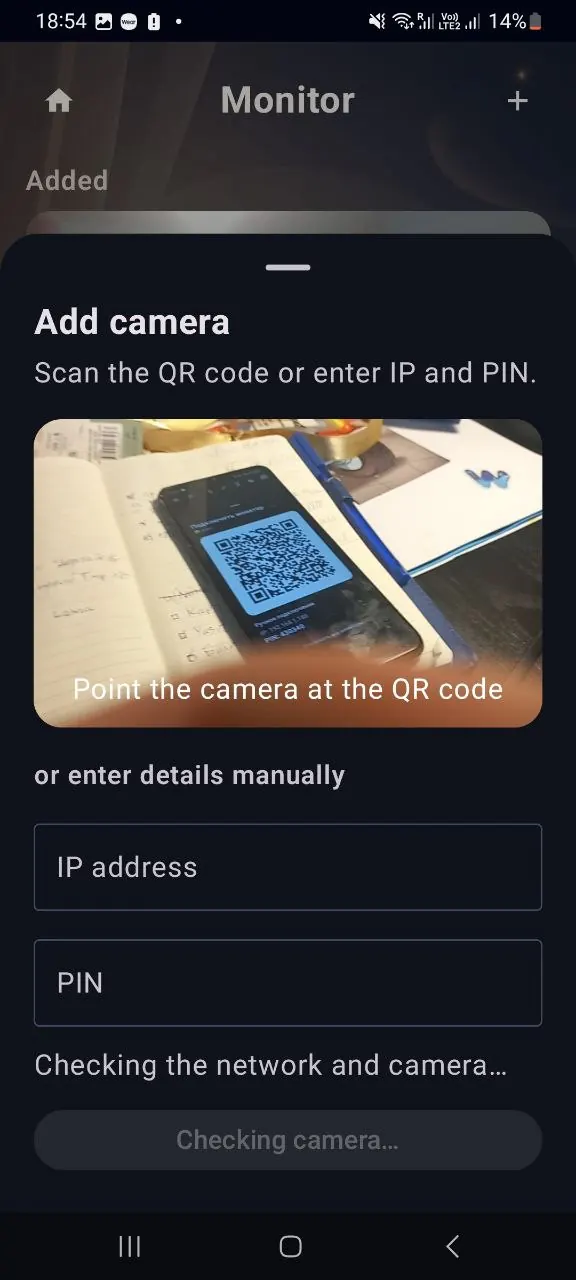
Find the camera automatically, scan its QR code, or enter the local IP and six-digit PIN.
Choose a monitor
Use another Android phone, a tablet, or a modern browser on your computer.
A camera when you need one
A baby monitor where you need it today.
Use a spare Android phone at home, at a holiday house, or while visiting family. Put it where needed and connect both devices to the same trusted Wi-Fi network.
1 / 6
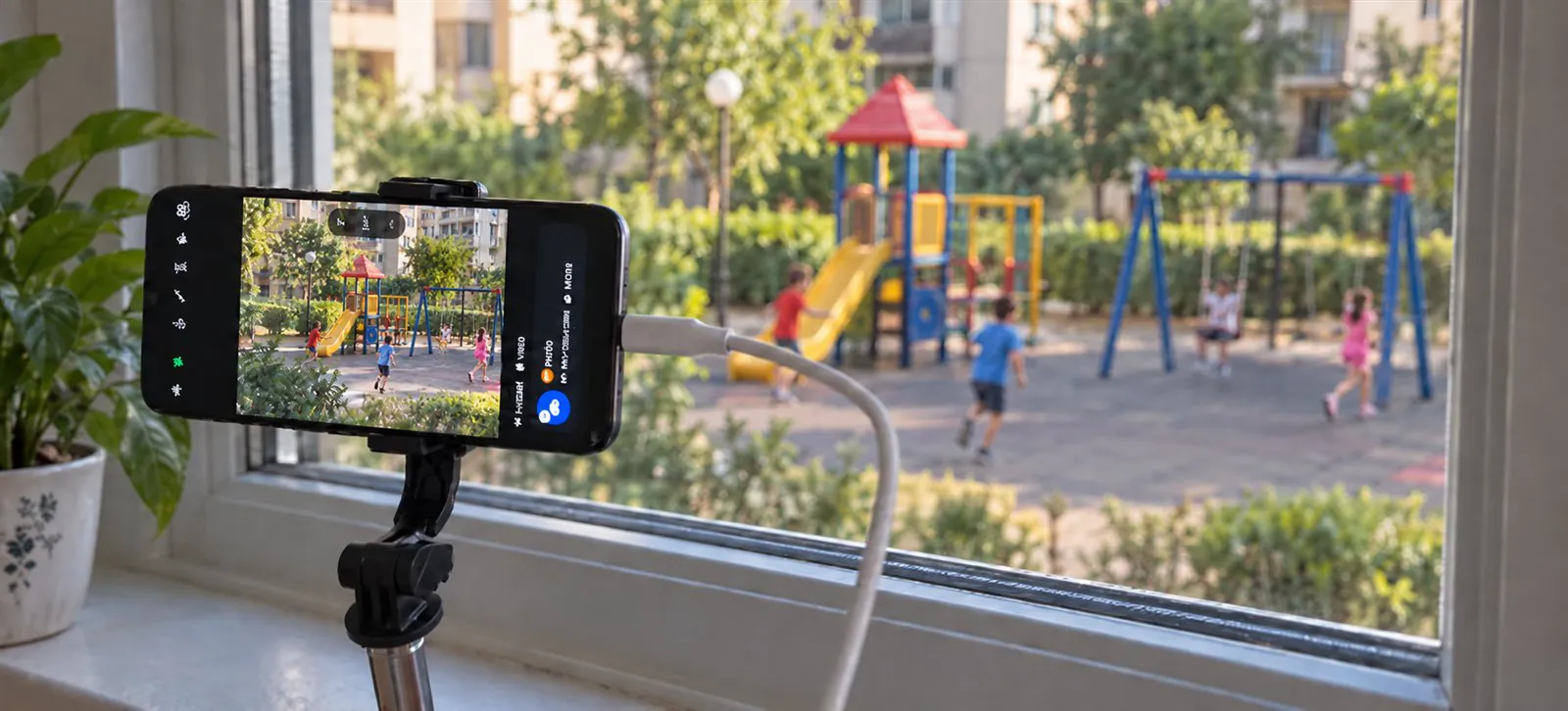
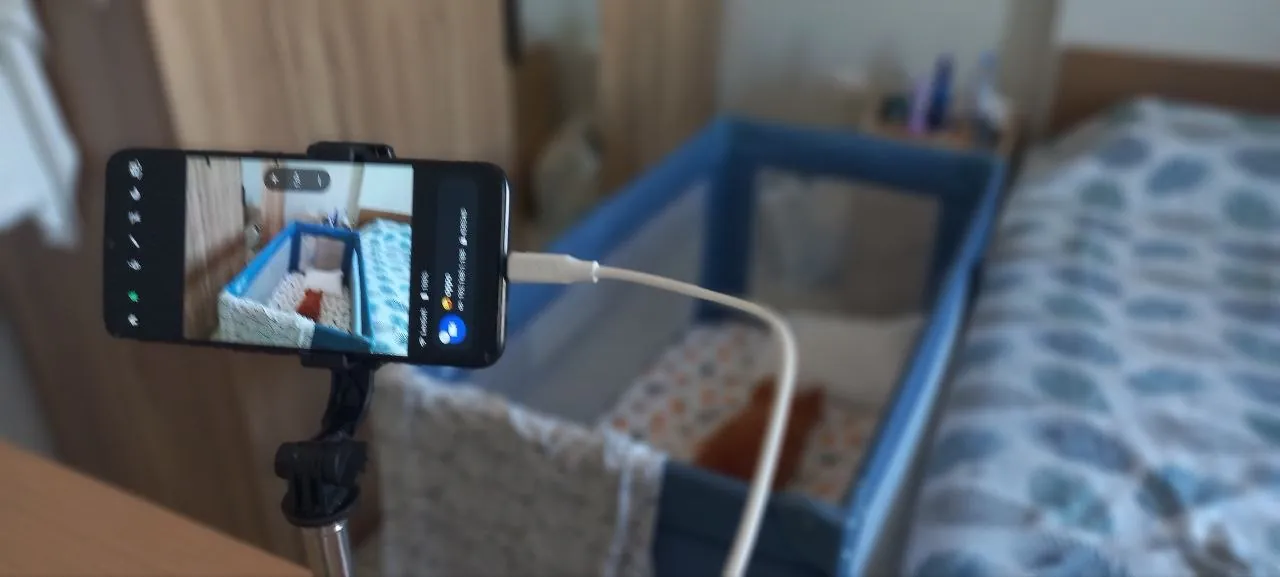
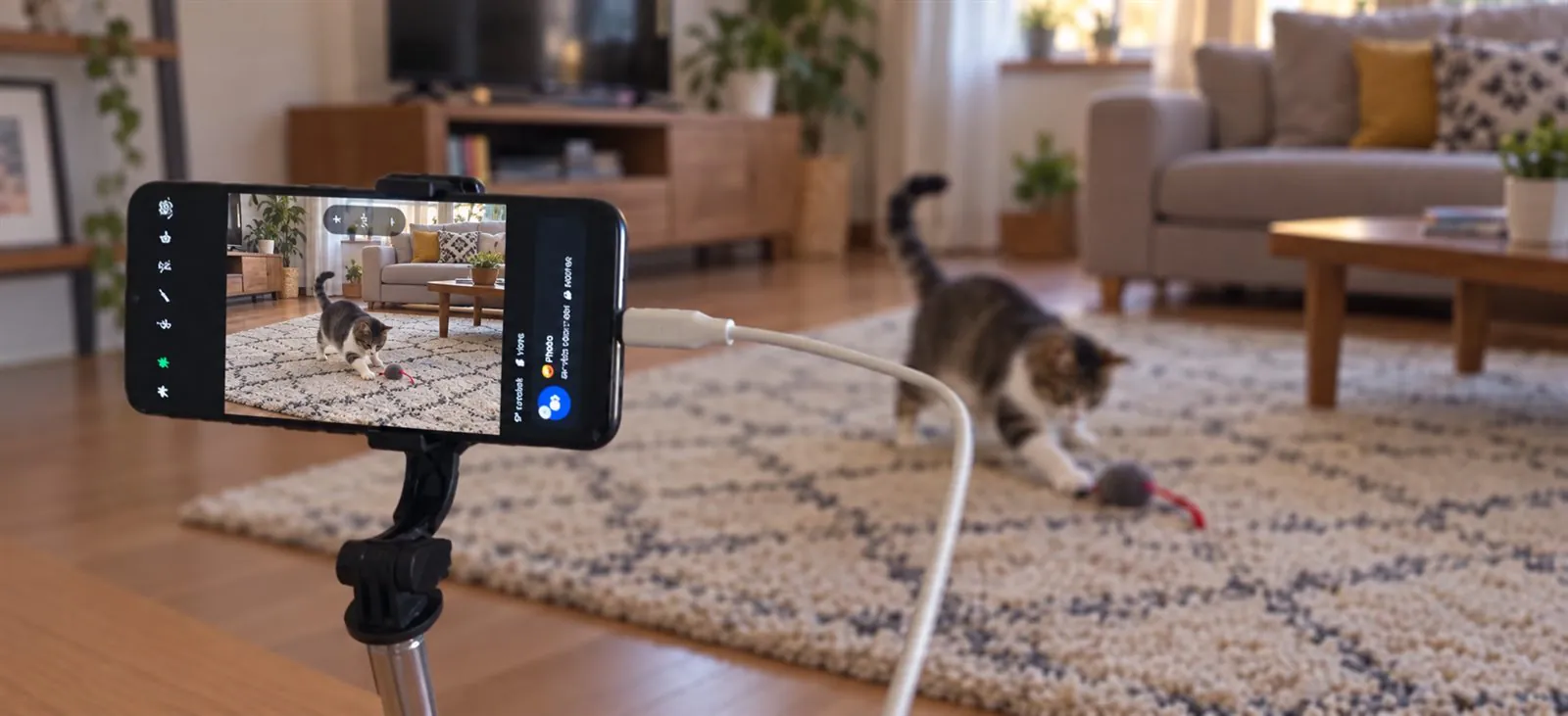
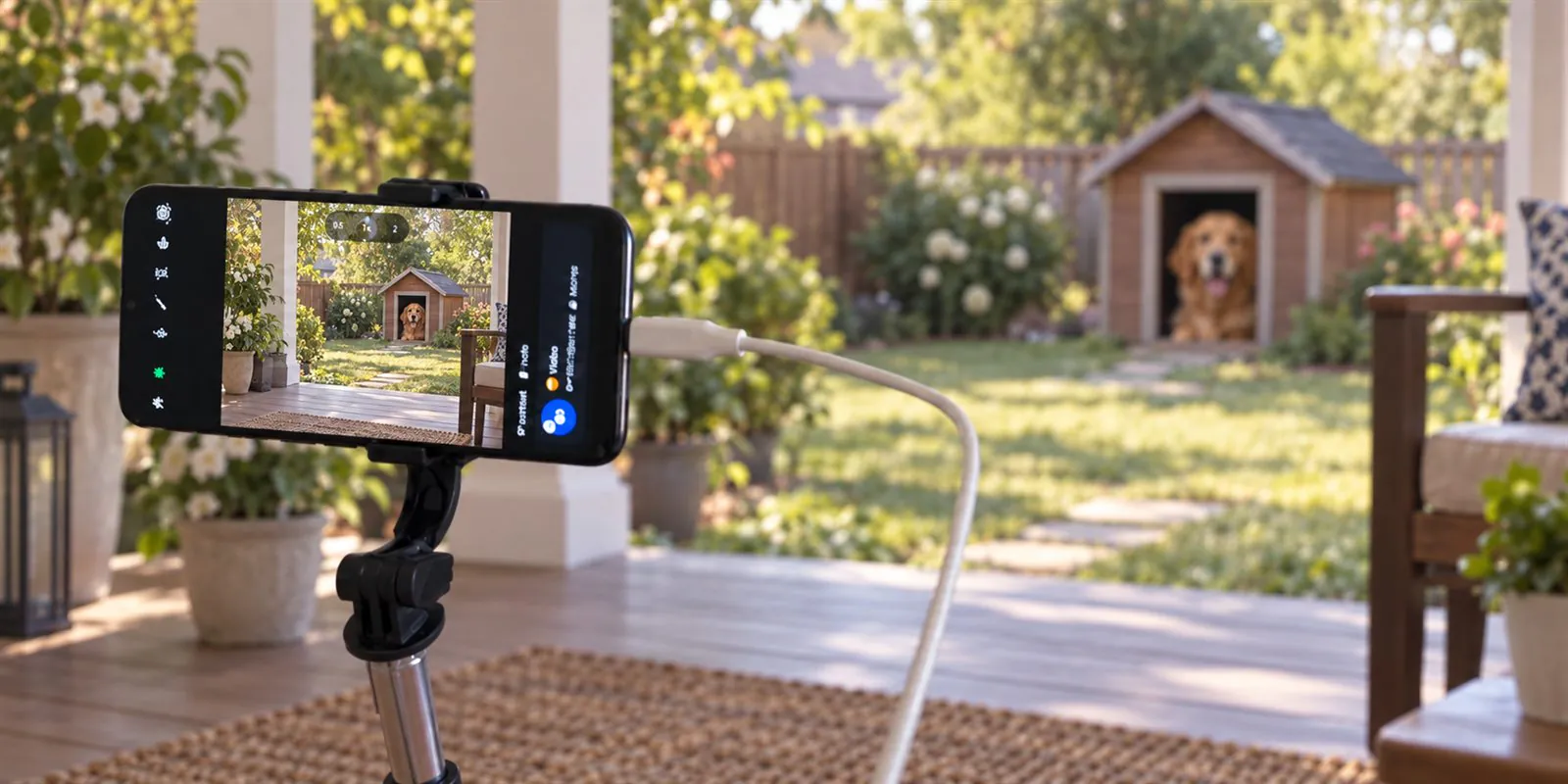
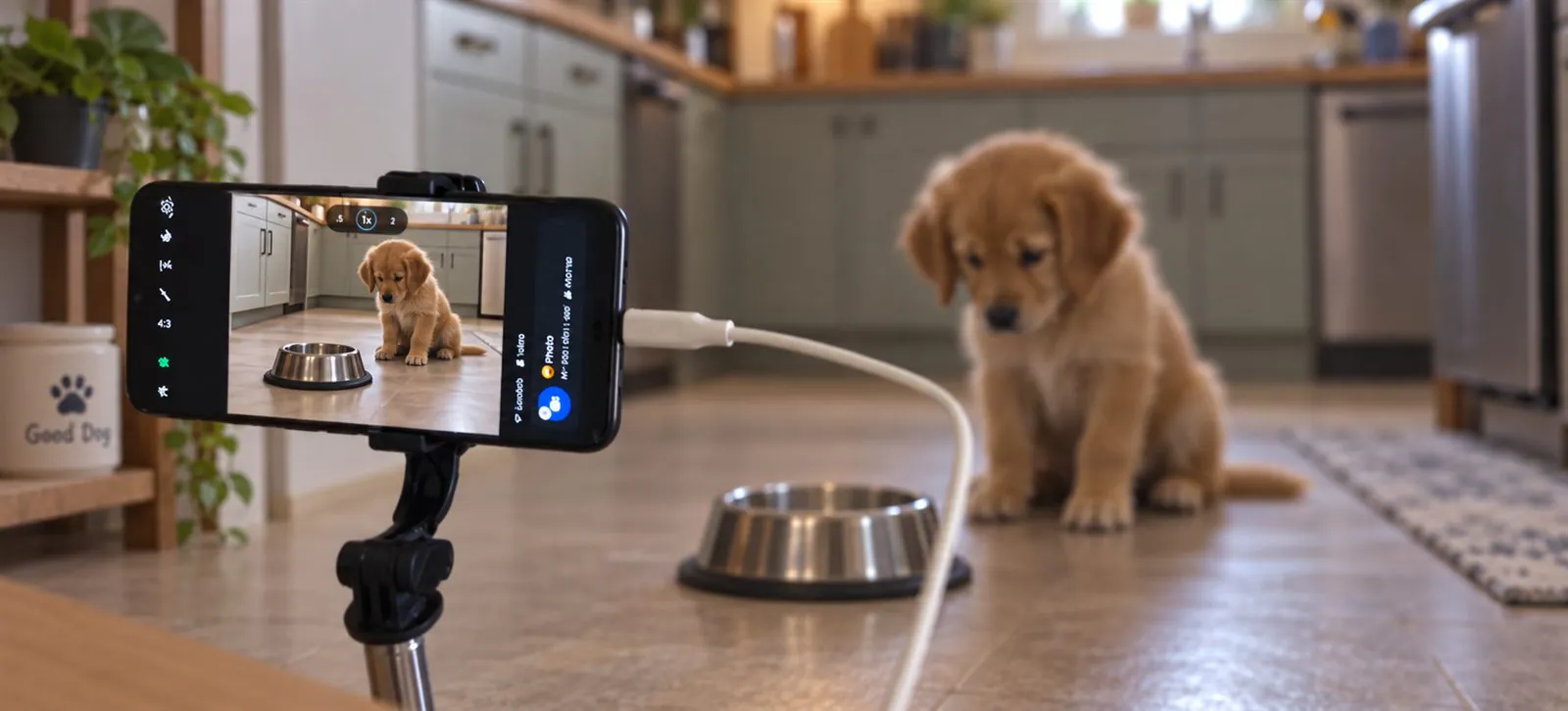

Connection status
If the connection drops, Leya shows it.
The app shows camera status, automatically tries to restore the connection, and can alert you to sustained loud sound.
A secure home connection
The video stream is not exposed to the internet.
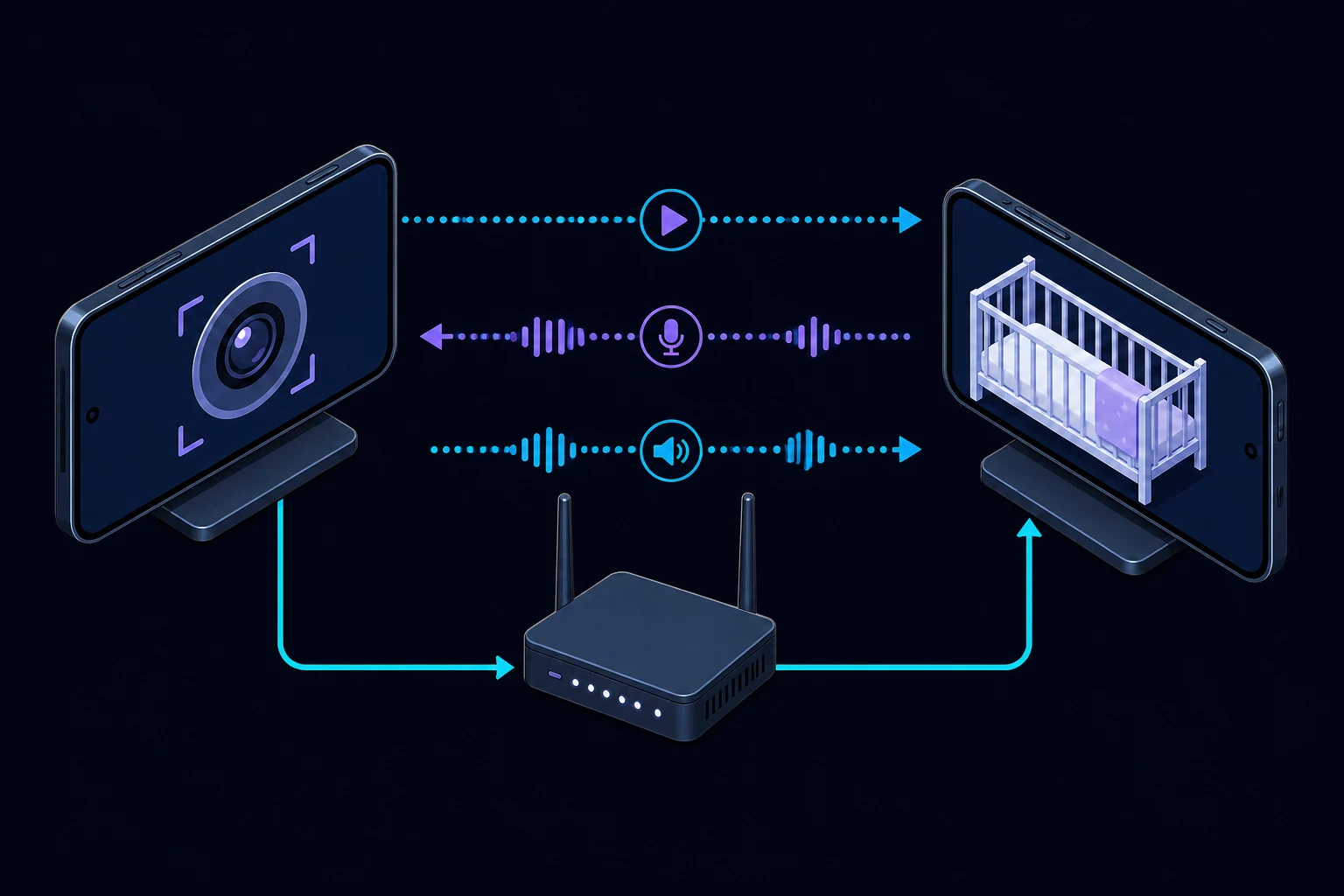
Video and audio travel directly between paired devices on your home Wi-Fi and are protected by WebRTC encryption. The stream does not pass through LeyaSoft servers and is not stored by the developer.
- A six-digit PIN is required to connect a new monitor.
- After pairing, the devices use a random access key.
- LeyaSoft has no cloud gateway into your camera.
- Use a trusted WPA2 or WPA3 home network.
Inside your network. Encrypted with WebRTC. Access after PIN pairing.
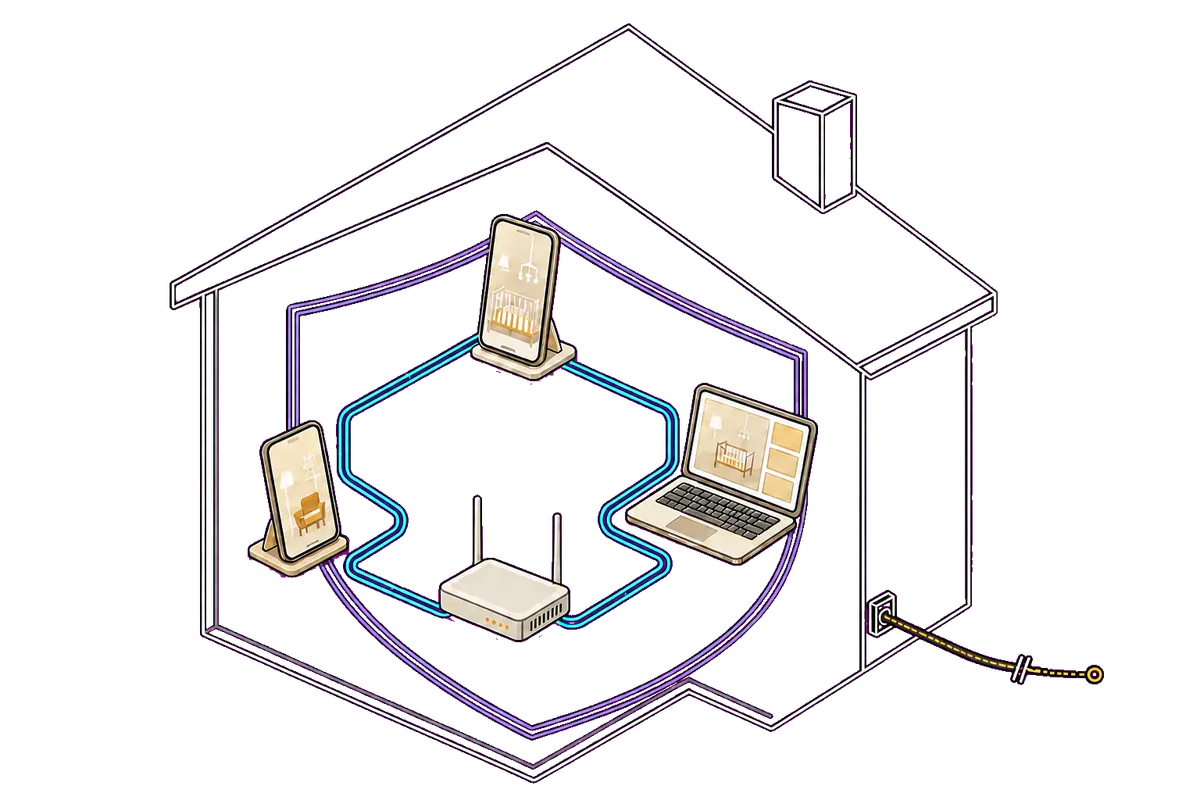
Works inside your home
The internet is down. Monitoring stays on.
Camera and monitor connect within your home Wi-Fi. If your provider is temporarily unavailable, you can still see your baby, hear the room, and talk back.
All you need is a working router and devices on the same local network. The feed does not travel over the internet, pass through external servers, or get stored by the developer.
- Live video and sound stay inside your home network.
- LeyaSoft cannot connect to your camera.
- The home feed does not use internet data.
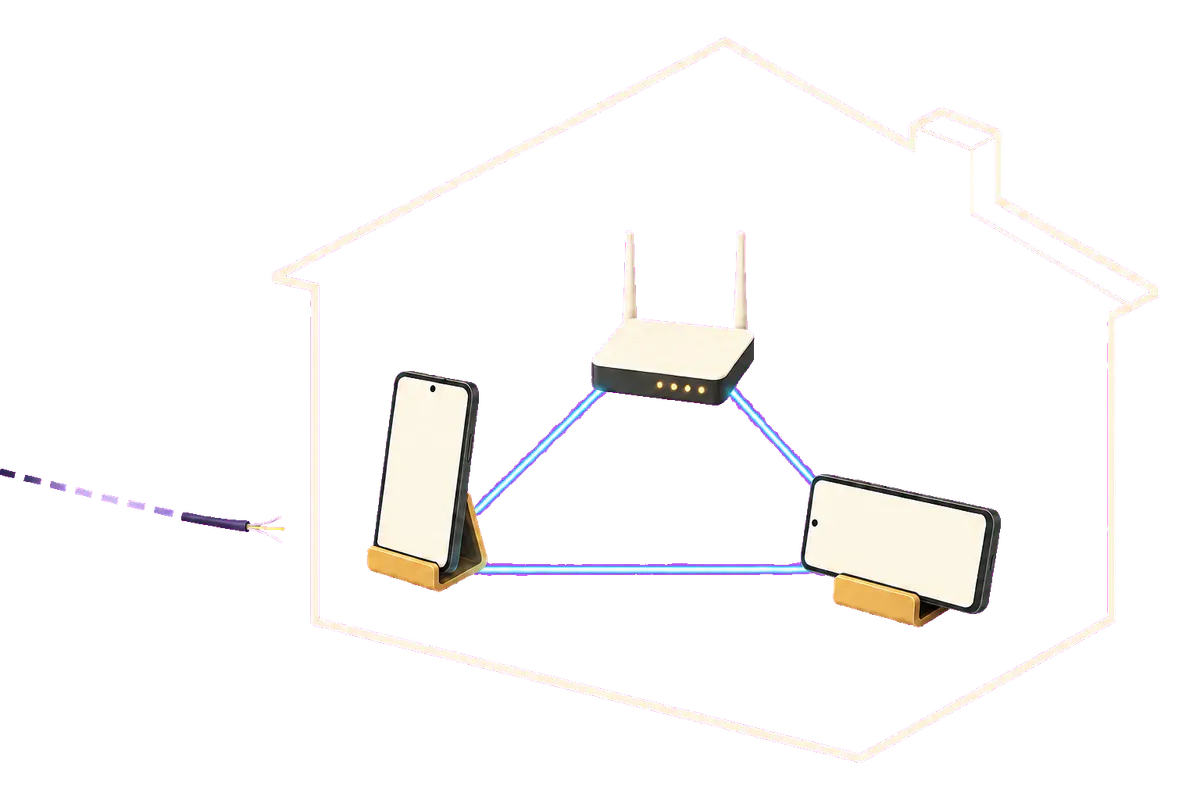
No artificial restrictions
No ads, time limit, or trial period.
Core baby-monitor features have no session-duration limit and are not temporary trial access.
- Ads never cover the monitor view.
- The session does not end because a time limit expires.
- Core monitoring does not switch off after a few days.
- You do not need to create an account before first use.
The app has no advertising profiles or behavioral analytics. Leya uses only the permissions and technical data needed for the camera, microphone, local connection, background operation, and notifications.
WebRTC inside your home
Live video and sound. Two-way voice.
Leya carries continuous video and sound with low delay — not a series of still images. Two-way voice lets you speak through the phone in the room.
- Video, sound, and two-way voice are protected by WebRTC encryption.
- Quality adapts to the capacity of your local network.
- Low delay helps you hear your baby and respond right away.
Lullabies and local music
Lullabies and favorite music.
Play music or story audiobooks on the camera phone and control them from the parent device.
The app supports tracks, favorites, play, pause, volume, timers, and local-network audio uploads.
- Built-in sounds and lullabies
- Your own audio files
- A favorites list
- Volume control
- Repeat a selected track
- Playback timer
- Remote stop
Music is stored and played locally, without a cloud music service. The camera becomes not only your eyes and ears, but a calm helper at night.
The real 0.4.0 release
A calm, comfortable interface.
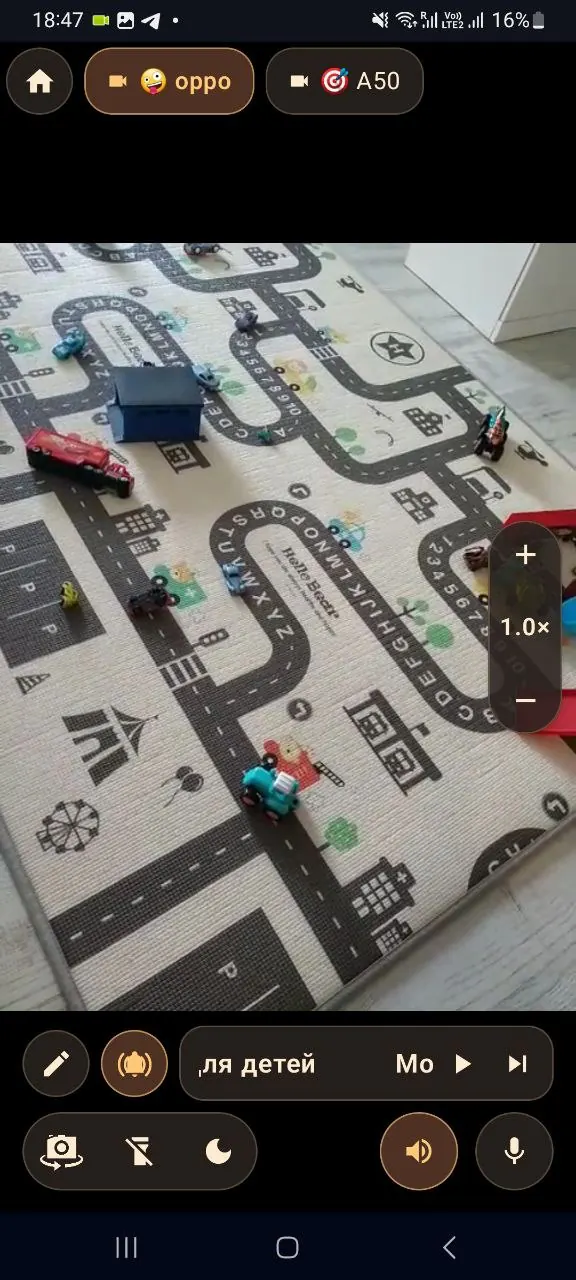
Watch, speak, zoom, switch cameras, and control music without leaving the live view.
1 / 8

Additional capabilities
More than a camera image.
Connect as many cameras as you need. Pair them to view two angles at once, control the image, and use low-light features.
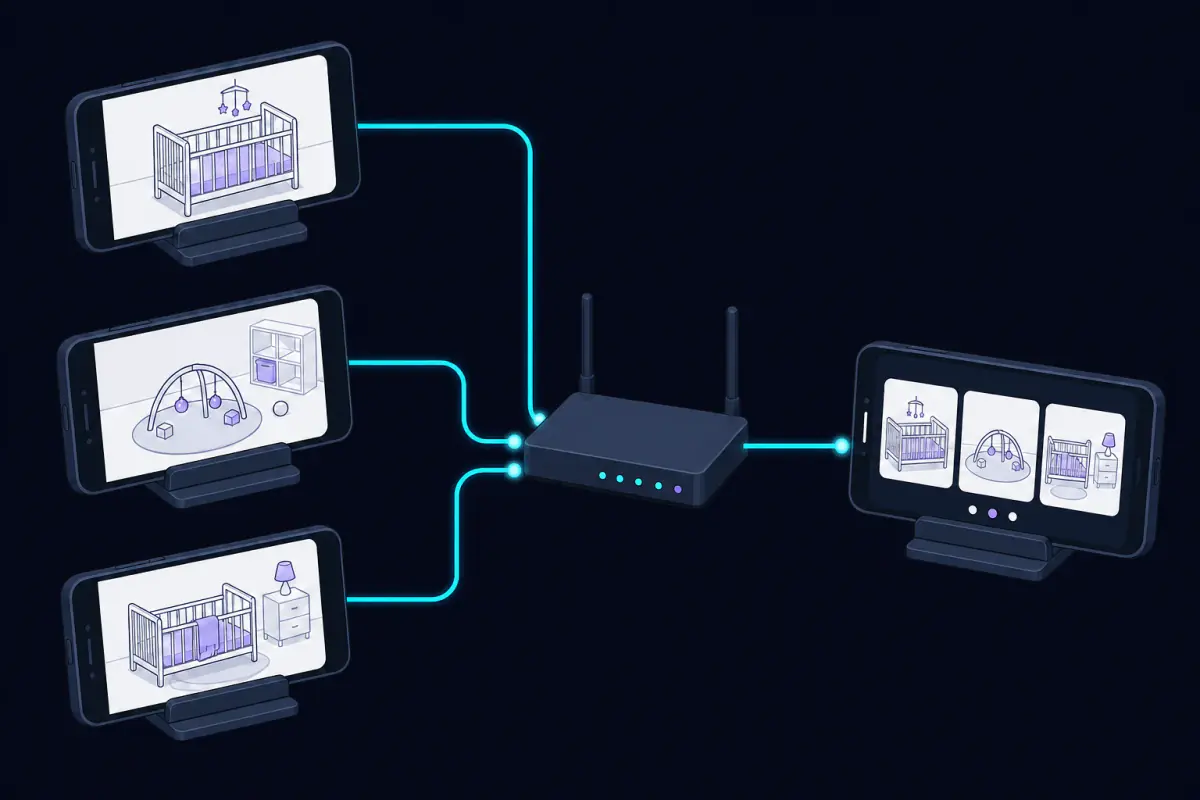
Camera groups
Two angles at once
Connect as many cameras as you need, give them clear names, and pair them into groups of two. Both angles in a group are visible at once, and you can change their order.
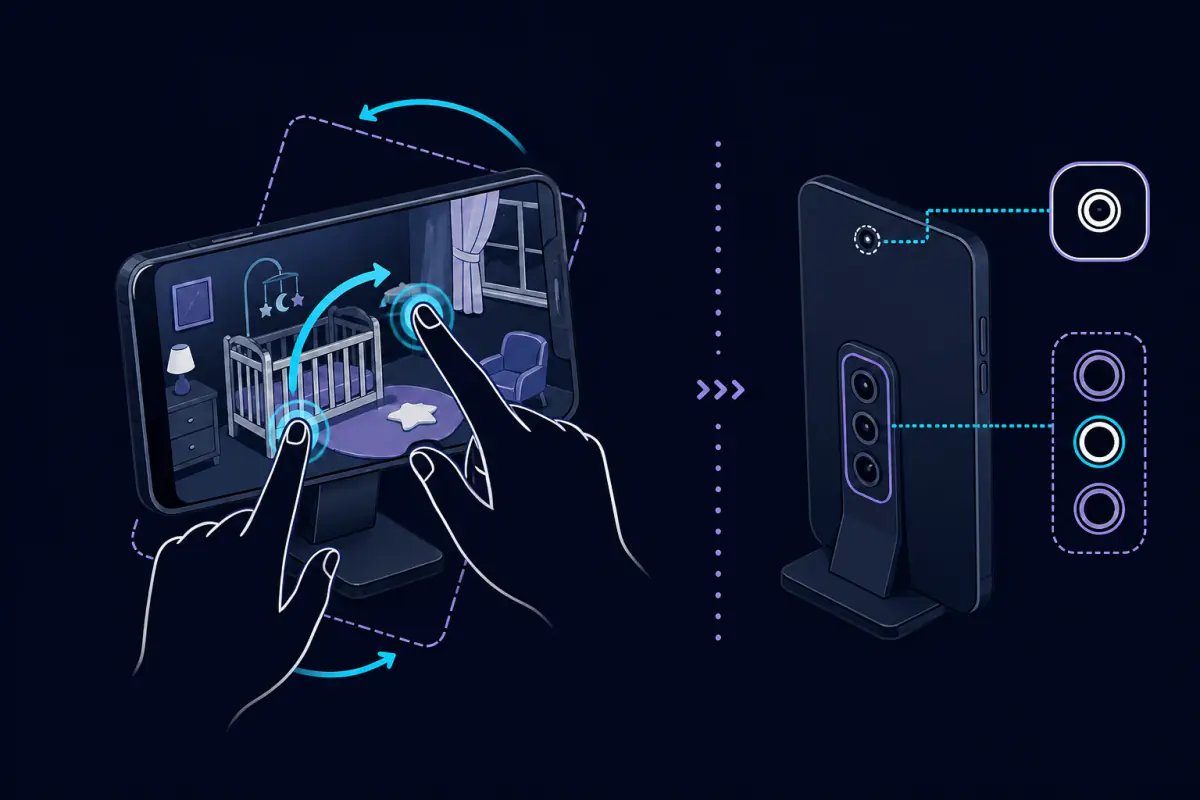
Gestures and lenses
Rotate the image, not the phone
Zoom, move, and rotate the frame with two fingers. Remotely choose the front or an available rear camera.
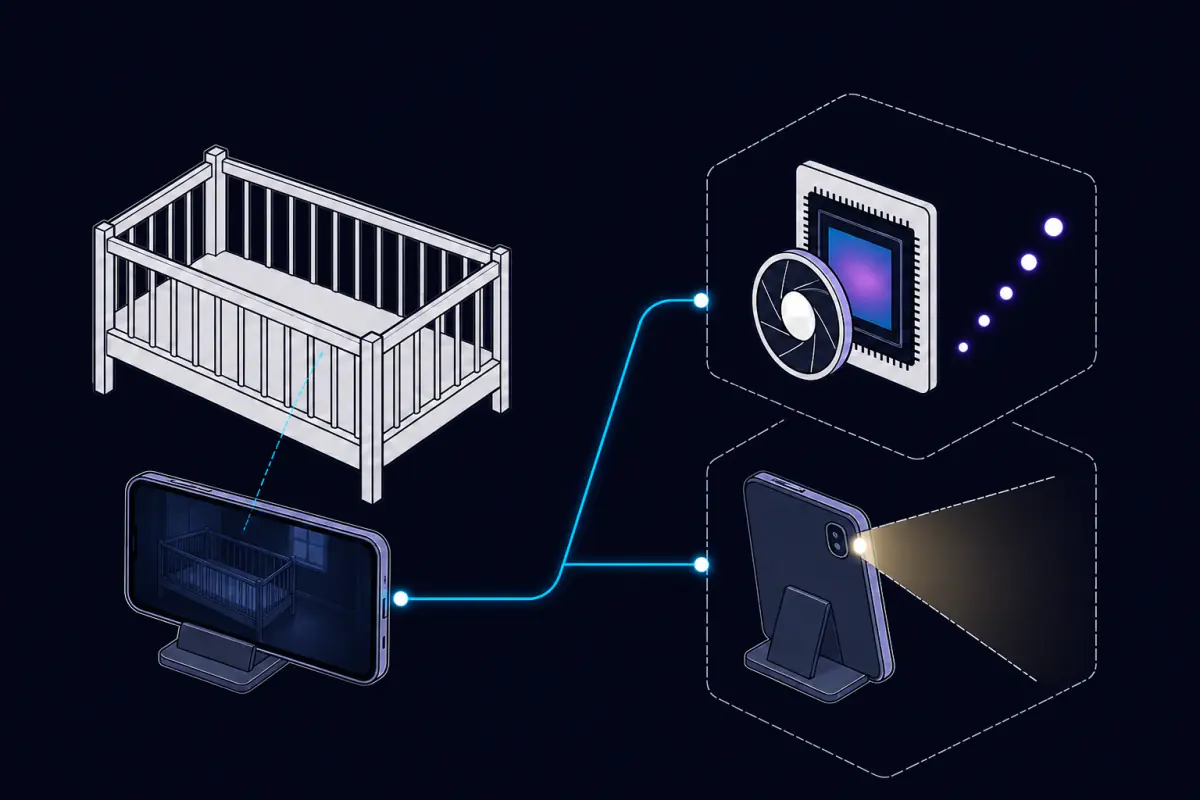
Low light
ISO mode and flashlight
Higher sensitivity can reveal more detail, and the camera flashlight is available when needed. Results depend on the phone.
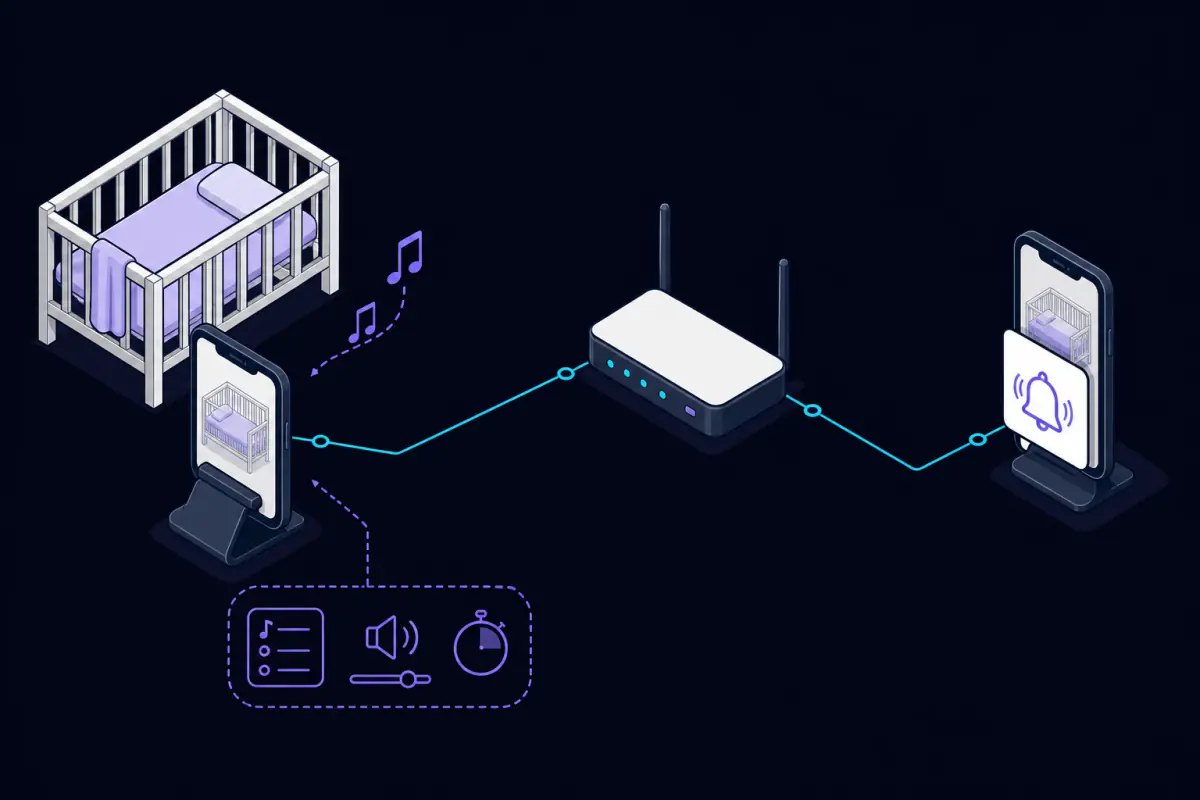
While you are busy
Background monitoring and alerts
Get an alert when sound is detected or the connection is lost, and return to live view when needed.
Capabilities without exaggeration
An honest baby monitor without empty promises.
Leya shows live video, carries sound, detects activity, provides two-way voice, and helps you keep track of the connection.
The app does not make medical diagnoses, assess breathing, or replace an adult’s presence or certified medical devices.
We believe it is important to state the product’s capabilities and limits clearly, especially when a child is being monitored.
A local-first approach
What makes Leya unique.
Leya helps you step into another room and get things done while keeping live video, sound, and connection status close at hand.
- Turns an old Android phone into a camera without buying another device.
- Carries live video and sound inside your home Wi-Fi.
- Keeps working if the internet goes down while local Wi-Fi remains available.
- Works in the background and can alert you to sustained loud sound.
- Requires no account and does not limit core monitoring with ads, time limits, or a trial period.
- Connects multiple cameras and pairs them for two-angle viewing.
- Supports two-way voice, lullabies, and remote camera controls.
Leya’s main advantage is the combination of calm home monitoring, privacy, independence from the internet, multiple cameras, and full control in one app without ads, time limits, or a trial period.
Closed testing
Be among the first to try Leya.
Join the version 0.4.0 test, share your experience, and help make the home baby monitor easier to use.
Take part in testingAndroid · no account · local Wi-Fi
Leya Baby Monitor
Follow our news.
News about testing, publication, and new Leya Baby Monitor releases.
Contact
Contact the LeyaSoft team.
For support, testing, and publication questions, contact us directly or use the support page.